Introduction
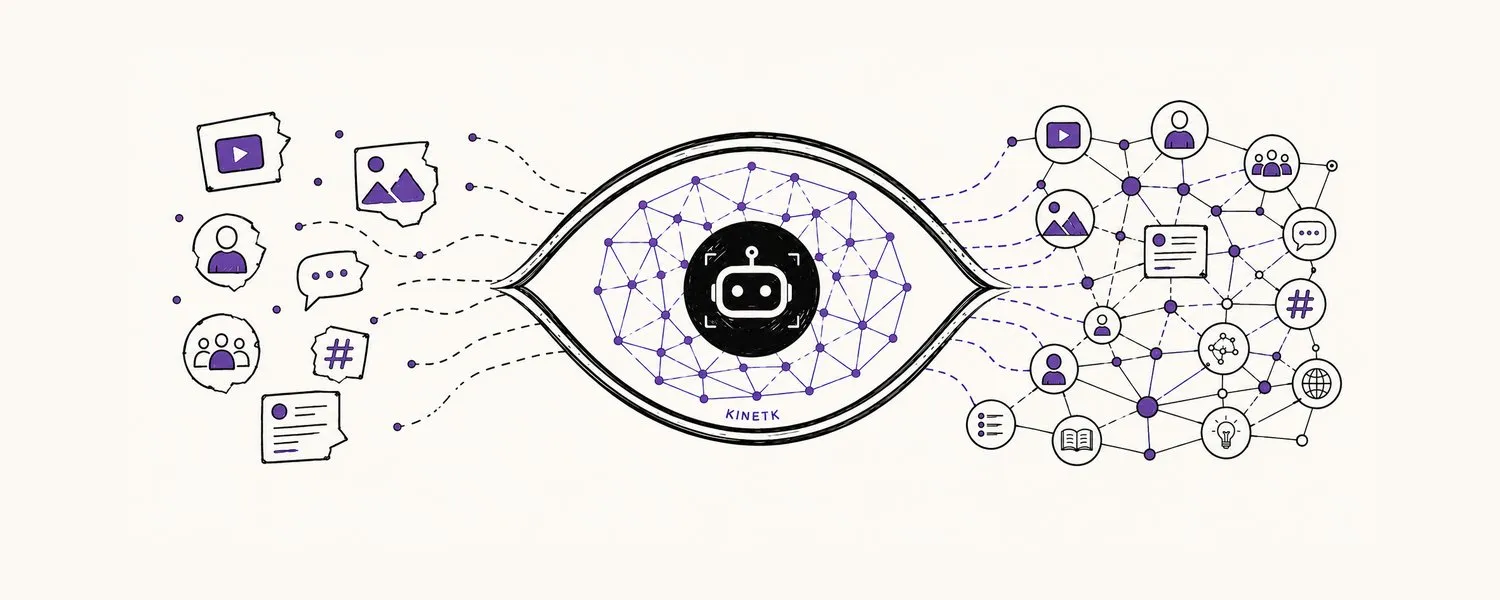
The KINETK Graph Service API is the multimodal content intelligence platform of the social web. It generates narratives and visual patterns across TikTok, Instagram, Reddit, Pinterest, X, Snapchat and more.
There are two ways to use it:
- HTTP API — REST endpoints behind an API key. Best for backends, dashboards, scheduled jobs and agents you build yourself.
- MCP server — a hosted Model Context Protocol server that exposes the graph as tools in Claude, ChatGPT, Cursor, Codex and other AI assistants.
Both reach the same backend and bill the same account.
What you can do
Three kinds of call sit behind that table:
- Precomputed reads of the narrative and pattern maps, rebuilt on a schedule — instant and free.
- Synchronous search — one bounded live retrieval, for agents and apps that call many times per task.
- Async jobs — deep retrieval and analysis over the live corpus. Submit returns a
jobIdimmediately; poll until it succeeds. Identical requests are served from cache.
Not sure which to use? See Choosing the Right Call.
Core concepts
- Content — a post or video, with normalized relevance, engagement and recency signals and the score it is ranked by. See The Content Object.
- Narratives — clusters of content a community is talking about, tracked over time with momentum, lifecycle and sentiment. See Narrative Intelligence.
- Patterns — groups of content that look alike, discovered from images and video, with the visual elements they share. See Pattern Intelligence.
Base URL
Every endpoint requires your secret key in the x-api-key header. Export these so the examples in these docs work as written:
Get started
- Quickstart — get an API key, try queries in the Playground, then make your first calls.
- Pricing & Credits — what each call costs.
- Hosted MCP Setup — connect your AI assistant.